Week A/B schedules
If your school has two different week schedules (an A week or a B week) which switch back and forth each week (otherwise sometimes called block schedules), Power Planner supports that!
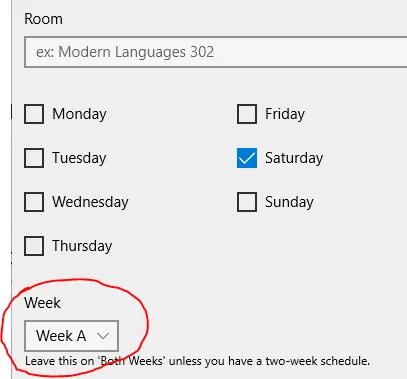
When adding or editing a class time, at the bottom, change the Week option to “Week A” or “Week B”, depending on which week your class time is supposed to be on.
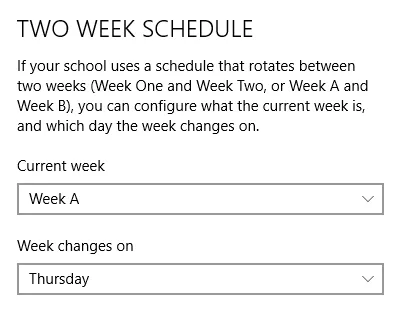
To change the current week or change which day the week switches on, go to Settings -> Two week schedule, and change the current week and/or which day the week changes.