Adding your class schedule

Power Planner supports a flexible schedule system, where each class can occur on multiple days of the week, at multiple different times of the week. For example, you might have a class that has lectures on Monday and Wednesday at 11:00 AM, and labs on Thursdays at 2:00 PM.
Adding classes
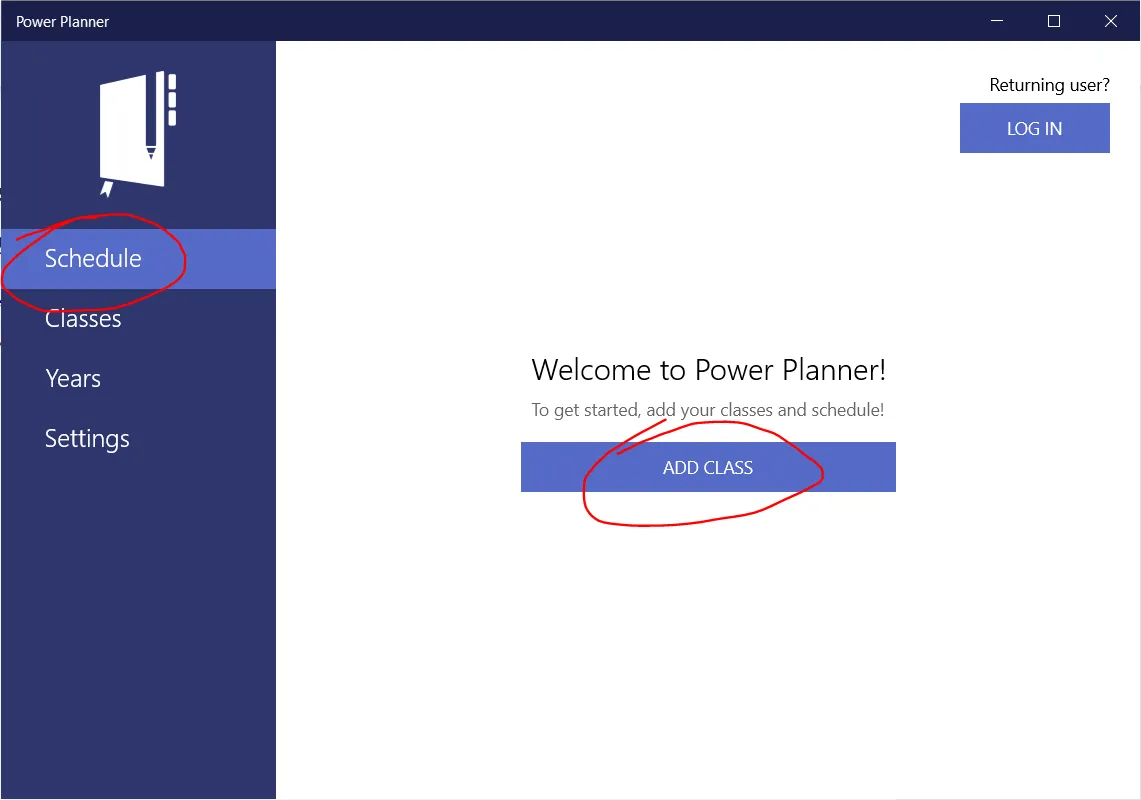
Section titled “Adding classes”Go to the Schedule page and add your first class.
Adding schedules / class times
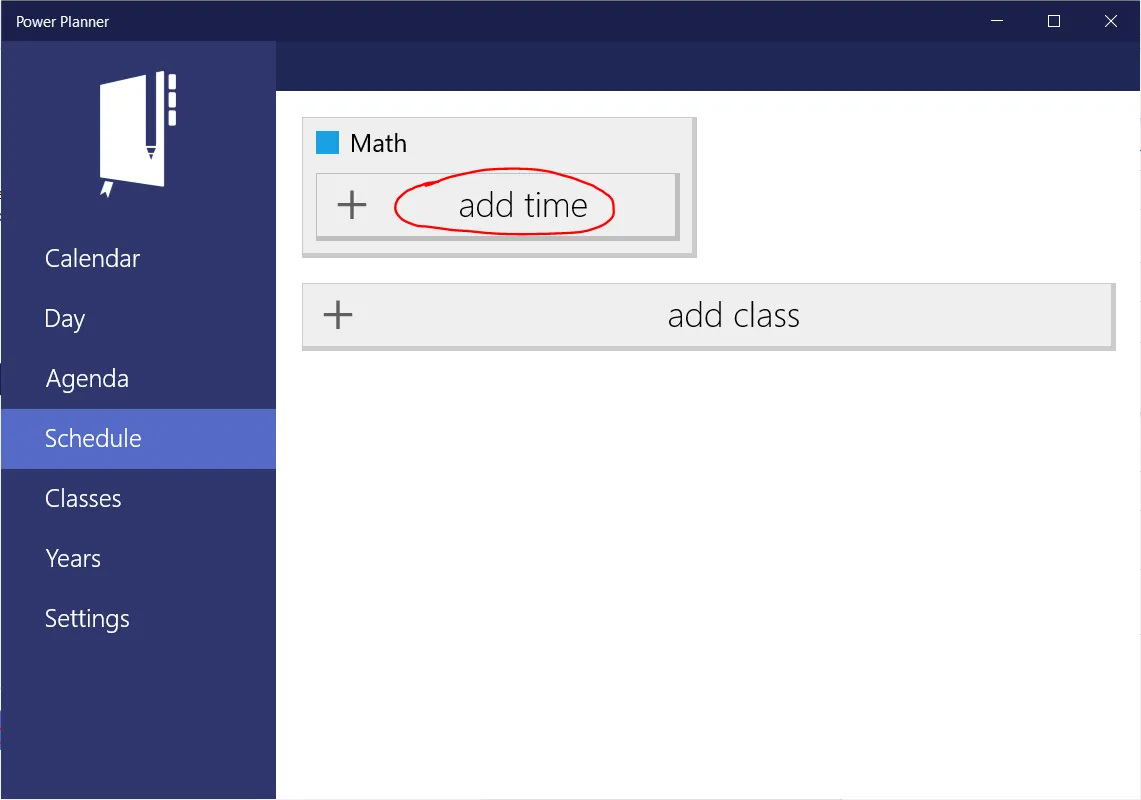
Section titled “Adding schedules / class times”Once you’ve added a class, you can add times that the class occurs on. Simply click ”+ add time”, and select the time and days of the week the class occurs on, and enter a room location if desired.
Note that you can type in custom time values like “9:20 AM”.