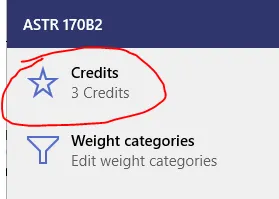
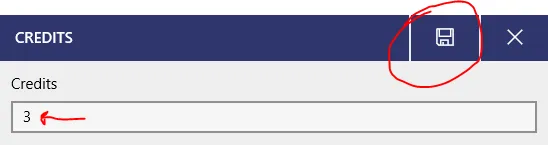
Assigning credits to a class
To assign the number of credits your class has, open your class, and then go to the grades page.
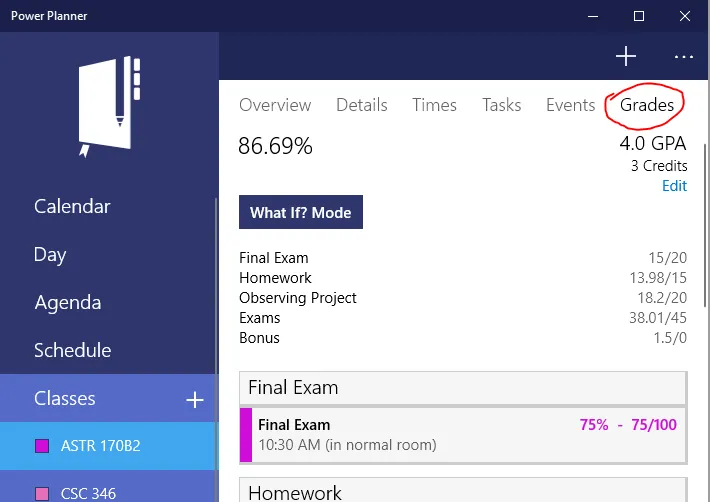
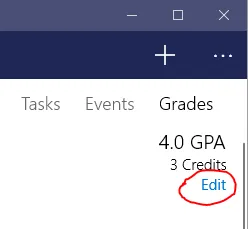
Then, while on the grades page, click the “Edit” text button just below the GPA and credits.
Select Credits, enter your number of credits, and click save! Note that you can enter 0 credits for a class that doesn’t count towards your GPA at all.